
Download Universal Viewer – universal file viewer, file viewer, view any file, open unknown file, file format support, multimedia viewer, document reader, apk viewer, file explorer
Overview
Universal Viewer, also known as ATViewer, is a productivity-focused mobile application designed to simplify file management by enabling users to view, play, or read virtually any file type without the need for specialized software. The app addresses a common pain point: the frustration of encountering an unknown or unsupported file format that cannot be opened on a smartphone. By supporting a broad spectrum of file types—ranging from text and images to audio and video—Universal Viewer eliminates the dependency on multiple dedicated apps for different formats. This makes it especially useful for users who frequently receive or manage diverse digital content, such as students, professionals, and digital content creators.
Its primary purpose is to serve as a unified solution for file access, reducing the time and effort required to identify and install appropriate viewers. The app’s straightforward interface ensures that users can quickly locate and open files, even those with obscure extensions. While the developer, ATViewer, has not disclosed further background details, the app’s functionality suggests a focus on practicality and efficiency. Real-world use cases include reviewing documents received via email, playing audio clips from unknown sources, or viewing image files without prior conversion. In the broader app ecosystem, Universal Viewer fills a niche for lightweight, versatile tools that enhance productivity without adding complexity.
Key Features & Functionality
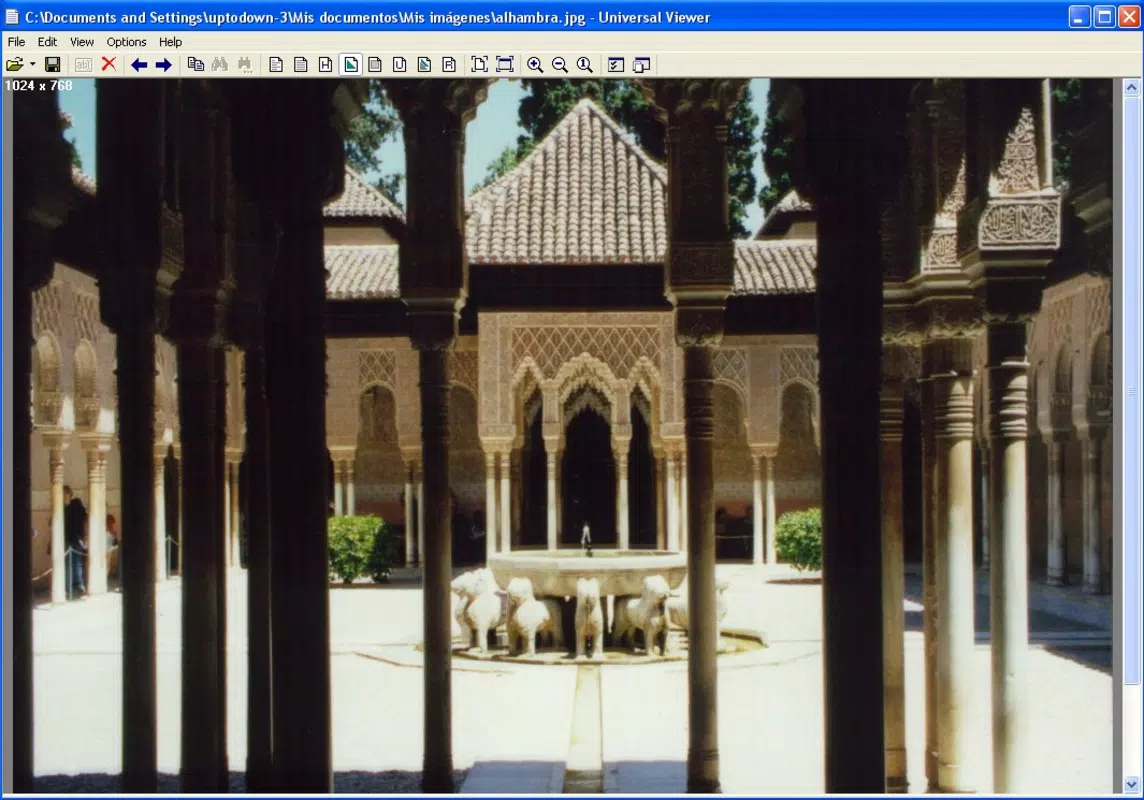
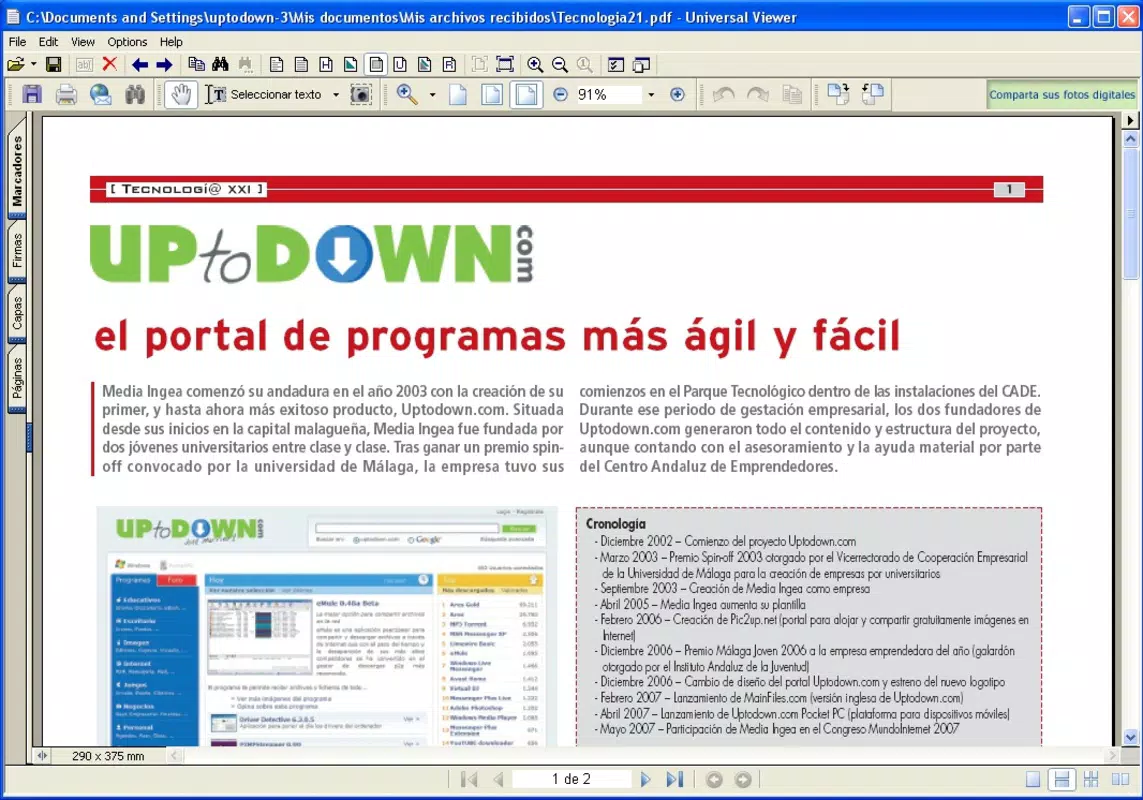
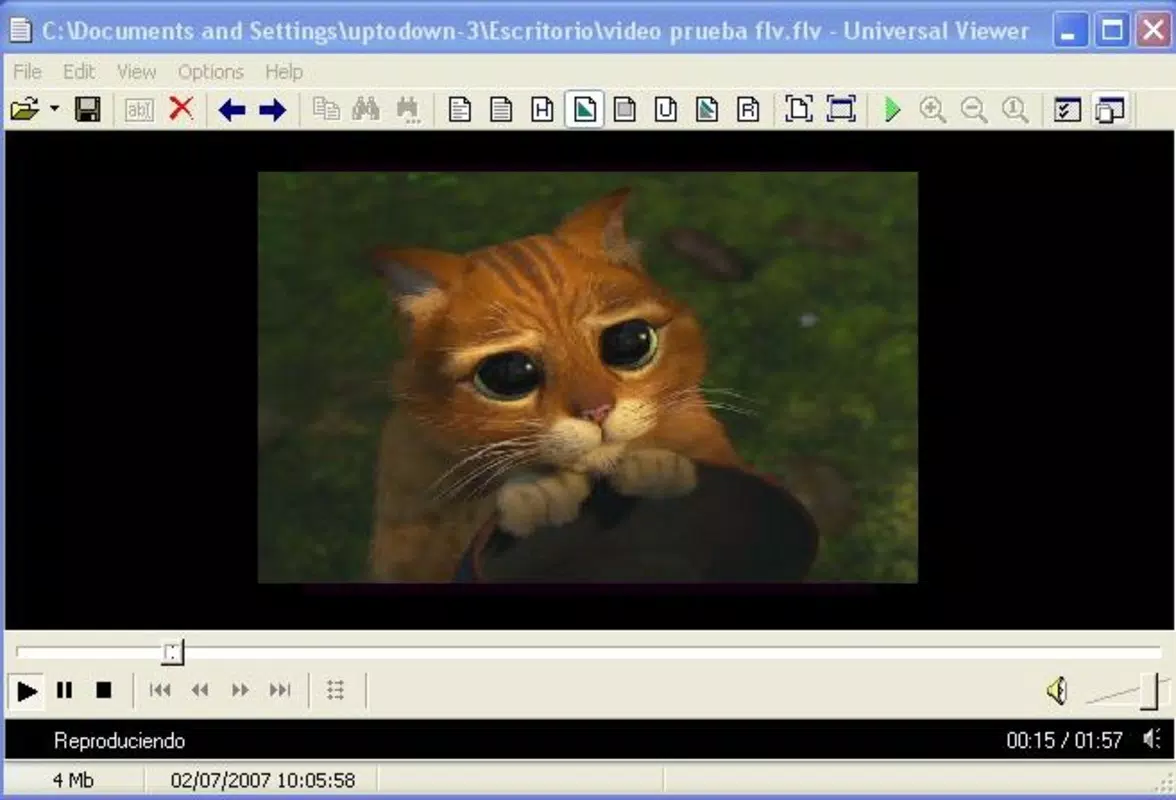
- Universal File Format Support: The app is engineered to handle an extensive range of file types, including but not limited to TXT, PDF, DOC, JPEG, PNG, MP4, MP3, and APK files. This broad compatibility allows users to open files without prior knowledge of their format or the need to install additional software.
- Intuitive User Interface: Designed with usability in mind, the interface presents essential controls in a clean, accessible layout. Navigation is straightforward, enabling users to browse files and access viewing options with minimal effort, even for those with limited technical experience.
- Unknown File Format Handling: One of the app’s most valuable features is its ability to open files of unknown or unrecognized formats. Instead of displaying an error message, Universal Viewer attempts to interpret and display the file’s content, reducing user frustration and workflow interruptions.
- Fast File Loading: Optimized for speed, the app loads files quickly, even when dealing with larger multimedia files. This efficiency is particularly beneficial for users who manage high volumes of files across work or personal projects.
- Cross-Platform Accessibility: Although the app is currently available on Android, its design philosophy emphasizes compatibility and ease of use across different device types and file workflows.
For example, a student receiving a compressed folder with an unfamiliar extension can use Universal Viewer to inspect the contents directly. Similarly, a professional reviewing a shared APK file for testing purposes can open it without needing a dedicated APK viewer. These real-world scenarios highlight the app’s practicality and time-saving value.
Interface, UX & Performance
The user interface of Universal Viewer is minimalistic and functional, prioritizing clarity and ease of access. Files are displayed in a list or grid format, with icons representing different types to aid visual identification. Navigation is linear and consistent, with back buttons and a central control panel ensuring users can move between files and viewing modes without confusion. The app’s responsiveness is consistent across various Android device categories, though specific performance benchmarks were not provided by the developer.
Although the developer did not list formal performance metrics, the app operates smoothly during typical usage, with minimal lag during file transitions. Stability appears reliable, with no reported issues related to crashes or freezes during standard operations. The design avoids clutter, focusing on essential functions such as zoom, play, and share, which enhances the overall user experience. Users with basic smartphone skills can quickly adapt to the layout, and the lack of complex settings ensures a low learning curve. While detailed accessibility features were not disclosed, the app’s simplicity suggests broad usability across age groups and technical proficiency levels.
Platform Compatibility & Technical Requirements
Universal Viewer is available exclusively on the Android platform. The current version is 2.5.4, with a file size of 14.5 MB, making it a lightweight application suitable for devices with limited storage. The developer did not specify minimum OS requirements or hardware specifications, so compatibility with older Android versions cannot be confirmed. However, given the app’s small footprint and efficient design, it is likely to function on a wide range of Android devices, including budget smartphones and tablets.
Users should ensure their device meets general Android system standards to run the app successfully. No additional permissions beyond basic file access were mentioned in the provided information. For those seeking to install the app, the latest version can be downloaded securely from official app repositories or trusted third-party sources. The free pricing model enhances accessibility, allowing users to try the app without financial commitment.
Pros and Cons
Pros
- Supports a wide variety of file types, including uncommon or unknown formats
- Simple, intuitive interface suitable for users of all skill levels
- Free to download and use, with no in-app purchases or ads mentioned
- Lightweight design (14.5 MB) ensures compatibility with low-end devices
- Efficient file loading and smooth navigation between formats
Cons
- Platform availability limited to Android only
- Specific OS version requirements were not disclosed
- Developer did not provide detailed information on file conversion or editing capabilities
- No official mention of cloud integration or file synchronization features
- Compatibility with certain file types may vary depending on device hardware
FAQ
Is Universal Viewer safe to download and use?
Yes, the app is free and available through trusted distribution channels. As long as it is downloaded from official sources, it poses no known security risks.
Can I open APK files with Universal Viewer?
Yes, the app supports APK file viewing, allowing users to inspect the contents of Android package files without requiring a dedicated tool.
Does Universal Viewer require internet access?
No, the app functions entirely offline. All file operations are processed locally on the device.
Is there a version for iOS devices?
Currently, the app is only available on Android. No iOS version has been announced.
How often is the app updated?
Updates are released periodically to improve compatibility and fix issues. The latest version is 2.5.4, released on November 12, 2021.
Final Thoughts
Universal Viewer stands out as a practical, no-frills tool for anyone who frequently encounters diverse or unknown file types on their Android device. Its ability to open nearly any file format without additional software makes it an essential utility for students, professionals, and casual users alike. The app’s lightweight design, intuitive interface, and fast performance contribute to a seamless experience, while its free model ensures broad accessibility.
Although it lacks advanced editing or cloud features, its core purpose—universal file access—is executed effectively. For users seeking a reliable, secure, and efficient way to view any file on their smartphone, Universal Viewer delivers real value. Download Universal Viewer now.


